Premium IPTV Experience
BMZox provides a premium IPTV subscription for live television, sports, movies and on-demand series across Smart TVs, Fire TV, Android, iOS, Windows and more. Start with an IPTV free trial, test the streaming quality on your own device and internet connection, then choose the subscription plan that fits your viewing needs.
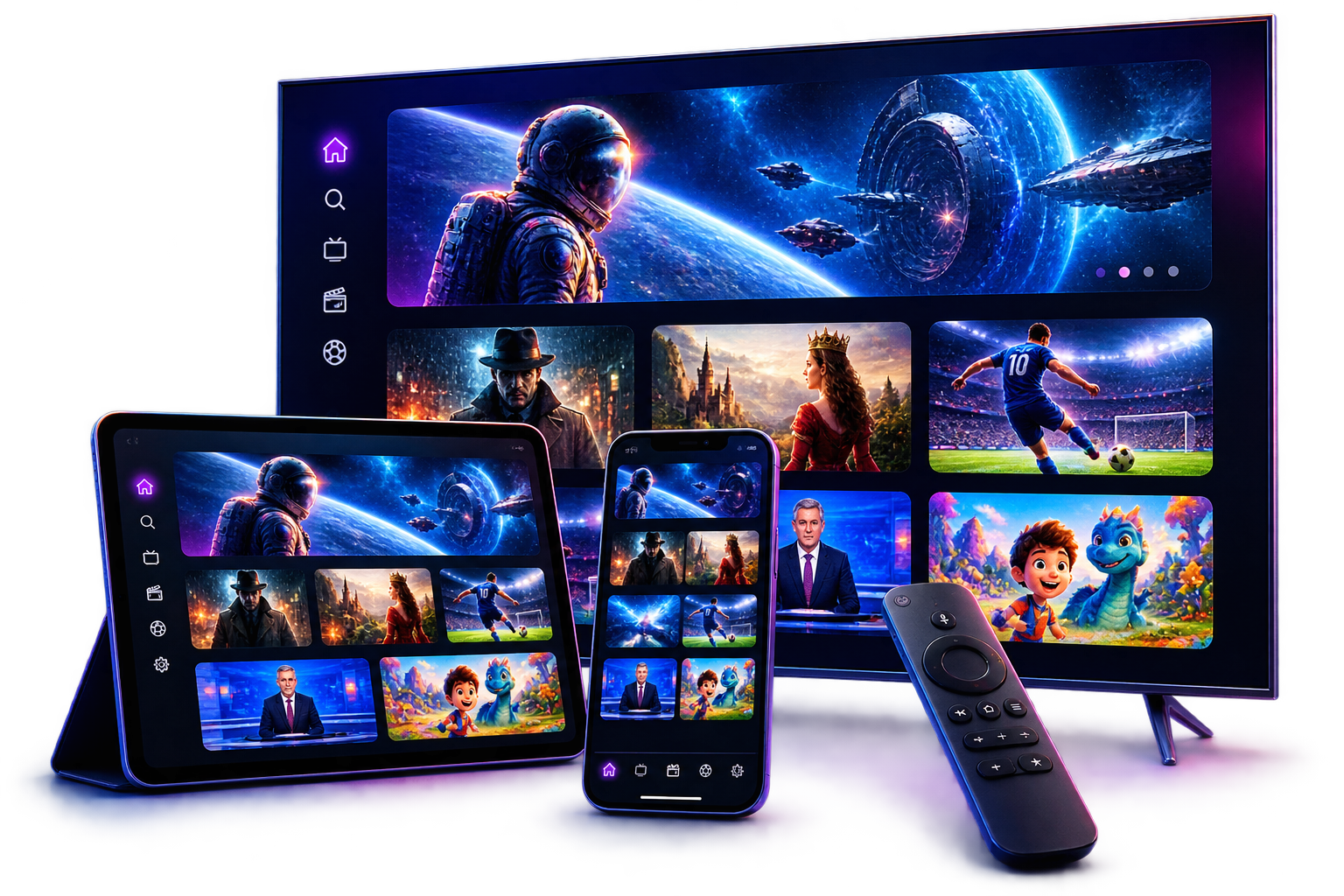
Entertainment Preview
Discover a flexible IPTV entertainment experience with live sports, news, family content, movies and on-demand series across your favorite screens.
Preview artwork is illustrative. Content availability may vary by region, service package and applicable licensing.
One IPTV subscription brings together international live TV, on-demand entertainment, clear picture quality and practical viewing tools—supported by broad device compatibility, quick onboarding and real human help.
Explore sports, news, entertainment, kids’ programming and international television from the USA, UK, Canada and many other regions.
Enjoy a broad on-demand library with popular movies, complete TV series and selected pay-per-view entertainment, with new titles added regularly.
Enjoy clear playback at the best quality available for the selected source, while adaptive delivery responds to your device and internet connection.
Watch on Smart TVs, Fire TV, Android, iOS, MAG devices, Windows, Mac and many compatible IPTV players.
After order confirmation, your access details are prepared promptly and delivered with clear instructions for a straightforward first-time setup.
Browse scheduled programming through EPG support and revisit selected broadcasts with catch-up TV where these features are available.
Use BMZox with VPN-enabled devices for more control over connection privacy and help with certain ISP-related restrictions.
Get friendly assistance from real people whenever you have account, service or playback questions about your subscription.
Channel counts, video quality, catch-up, EPG, and content availability may vary by plan, region, device, and licensing.
Device Compatibility
Choose a device below to open its dedicated IPTV setup popup. Each panel is ready for a complete step-by-step guide to be added as soon as it is available.
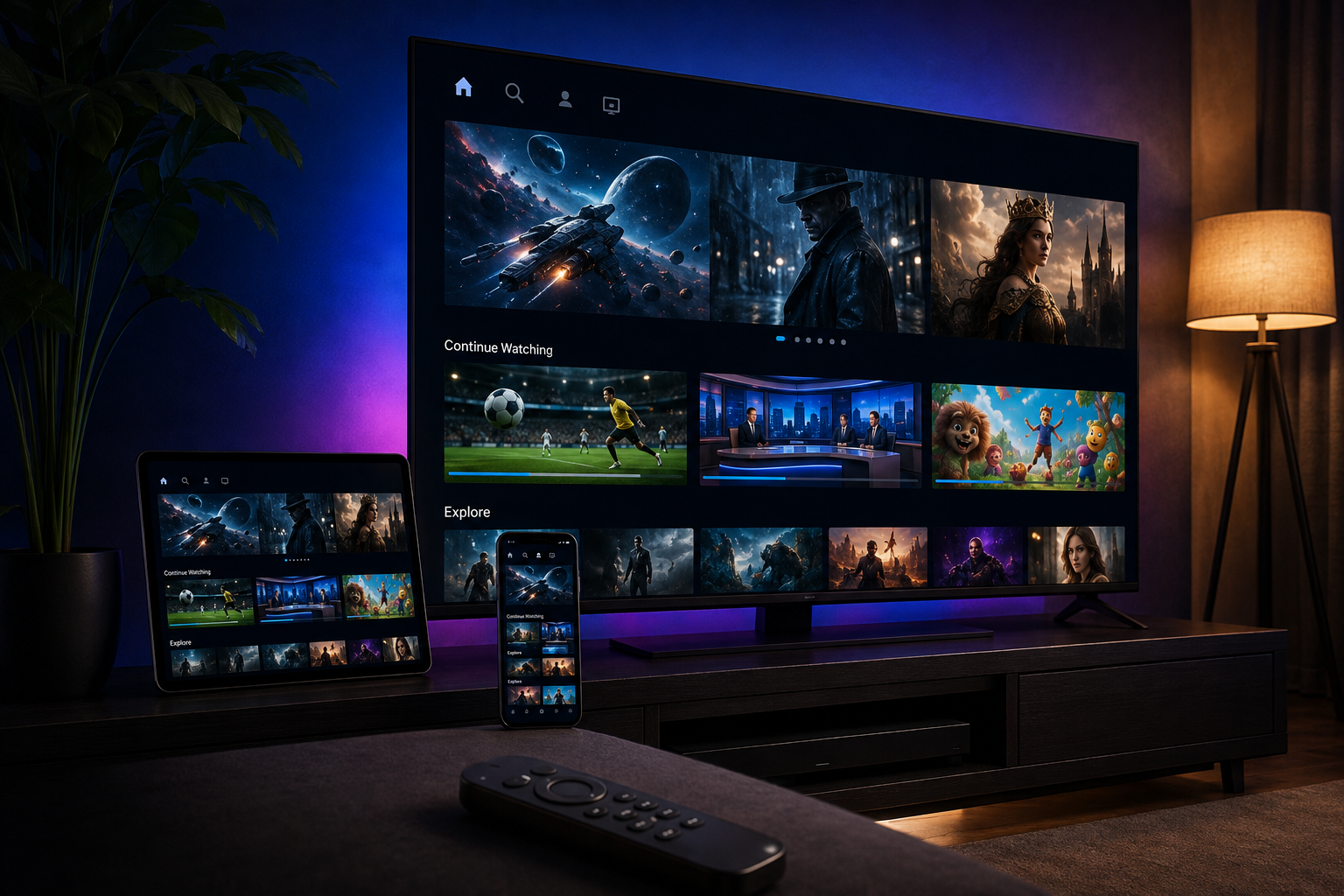
BMZox Device Setup Guide
This dedicated guide will explain how to choose a compatible IPTV player, install it on a supported Smart TV and add your BMZox access details.
This dedicated guide will cover IPTV player installation on Amazon Fire TV or Firestick, followed by the steps needed to add your BMZox subscription.
This dedicated guide will show how to install a compatible IPTV application on Android TV, phones or tablets and configure your BMZox access.
This dedicated guide will explain how to select an IPTV player for iOS, install it on an iPhone or iPad and connect your BMZox subscription.
This dedicated guide will cover compatible Apple TV IPTV players and the steps for adding your BMZox viewing details securely.
This dedicated guide will explain the information required for a compatible MAG device and how to complete the BMZox portal configuration.
This dedicated guide will show how to install a compatible Windows IPTV player and enter the BMZox subscription details provided after activation.
This dedicated guide will explain how to install a compatible IPTV player on macOS and connect it to your BMZox subscription.
Flexible Payment Options
Choose the IPTV payment method that suits you best. Every applicable fee or saving is shown clearly before your subscription order is completed.
Familiar Online Checkout
Pay through your PayPal account using a familiar checkout flow. A 20% service fee is added to orders completed with this method.
Direct Payment
Send your payment directly from your bank. BMZox does not add an extra payment fee for subscription orders completed by bank transfer.
Best Available Saving
Pay with a supported digital currency and receive 15% off the listed BMZox IPTV subscription price.
Payment availability may vary by country. Bank or network charges imposed by third parties are not controlled by BMZox. Cryptocurrency values are confirmed at the time of payment.
Simple Pricing
Choose the duration that works for you. Every BMZox plan delivers the same smooth streaming experience and helpful support.
One-time payment
$15.00 / monthOne-time payment
$8.33 / monthOne-time payment
$5.83 / monthOne-time payment
Only $3.75 / monthContent availability may vary by region and licensing.
How It Works
From choosing your plan to watching on your favorite screen, getting started with BMZox is quick and simple.
Select the subscription duration that fits your viewing needs.
Get your login details and clear setup instructions after ordering.
Follow the simple guide, sign in and start streaming on your screen.
The BMZox Experience
Enjoy live television, sports, movies and on-demand series through one smooth IPTV streaming experience across your favorite screens.
BMZox is designed for straightforward setup, reliable playback and helpful support. Watch on Smart TV, tablet or mobile with a compatible IPTV player. Content availability may vary by region and licensing.
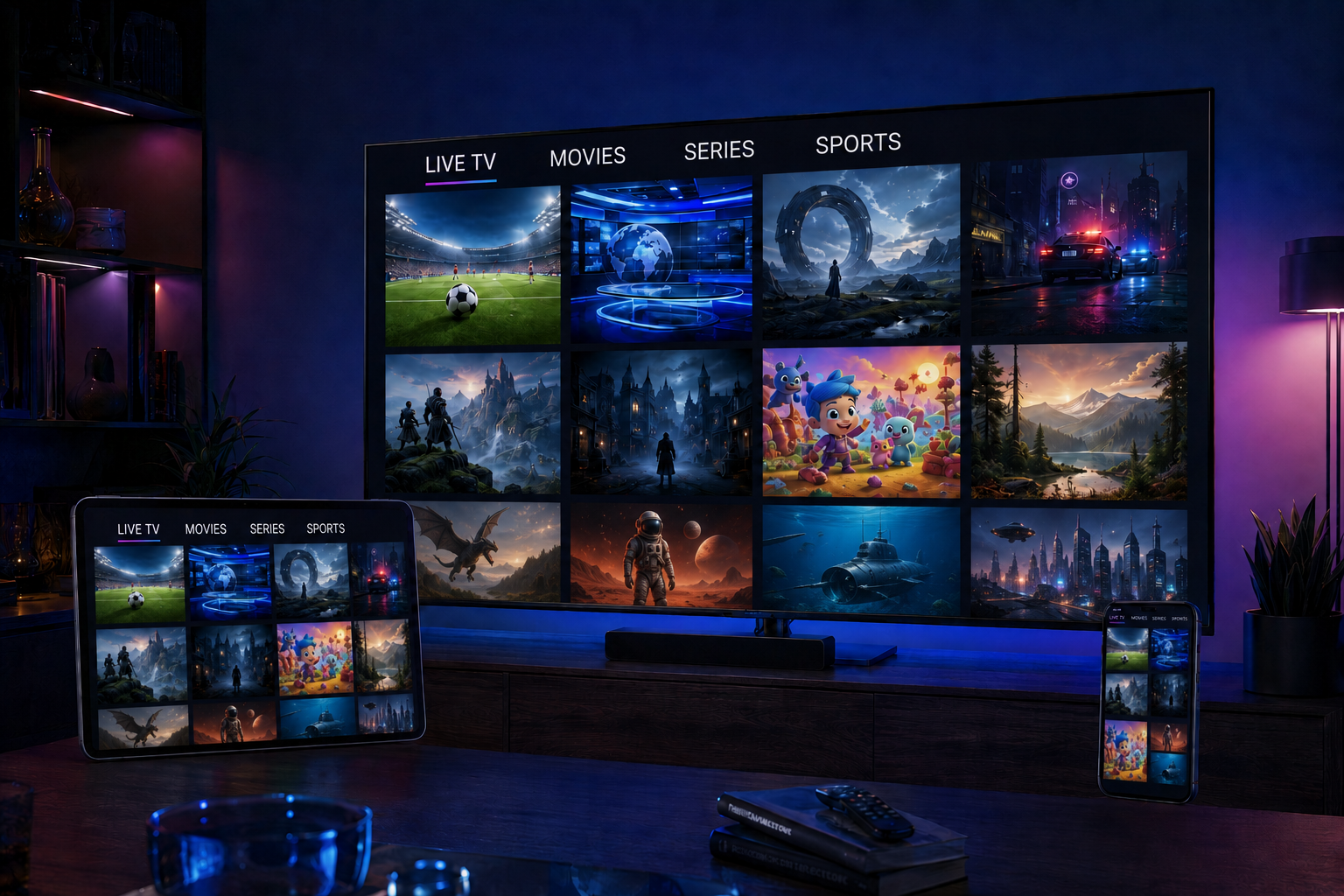
Live TV · Movies · Series
Smart TV · Tablet · Mobile
Verified Customer Reviews
Read how customers describe their BMZox IPTV subscription experience, from account activation and device setup to everyday streaming and customer support.
Swipe or use the arrows to explore more reviews
“The activation steps were clear, and I had BMZox running on my Samsung TV without needing technical knowledge. The program guide also made daily use simple.”
“I tested the subscription on Fire TV before choosing a plan. Playback was consistent on my home connection, and support answered my setup question quickly.”
“Switching between live sports and movies is straightforward. The Android TV instructions were easy to follow, and the categories feel organized.”
“The service worked across Apple TV and mobile during my trial. I appreciated the clear explanation of device compatibility before ordering.”
“My access details arrived promptly after confirmation. Movies and series are easy to browse, and help was available when I changed IPTV players.”
“BMZox support guided me through the MAG setup step by step. The EPG and channel categories made the overall experience much easier to navigate.”
Template notice: replace these sample names and testimonials with genuine customer feedback and keep the verified label only after confirming the customer relationship and permission to publish.
Clear answers about your subscription, free trial, compatible devices, activation, apps, support, and more.
Your BMZox IPTV subscription includes access to the live TV channels, movies, and series available in your selected plan, plus activation details, setup guidance, and customer support. Content availability may vary by plan, region, and licensing.
Yes. You can request a free trial to check streaming quality, content availability, and compatibility on your own device before choosing a subscription. Trial access is limited and subject to availability.
BMZox works with many popular devices, including Smart TVs, Amazon Fire TV, Android TV boxes, Android phones and tablets, iPhone, iPad, Apple TV, MAG boxes, Windows PCs, and Mac computers. Contact us if you need to confirm a specific model.
For smooth streaming, we recommend a stable connection of at least 10 Mbps for HD and 25 Mbps for 4K per active stream. A wired Ethernet connection or strong 5 GHz Wi-Fi usually provides the best experience.
Your order is processed after payment confirmation. Access details and setup instructions are normally sent shortly afterward to the contact method you provided. Processing may take a little longer during busy periods.
You can use many compatible IPTV players, such as IPTV Smarters Pro, IBO Player, TiviMate, XCIPTV, SmartOne IPTV, and other apps that support Xtream Codes API or M3U playlists. App availability and any app license fees depend on your device and app provider.
No. BMZox subscriptions do not renew automatically unless this is clearly stated when you order. You remain in control and can choose whether to renew when your current subscription approaches its expiry date.
A standard subscription allows one active stream at a time, even if your access details are installed on more than one device. If you need simultaneous streaming on multiple devices, ask us about additional connections before ordering.
You can contact BMZox support through WhatsApp or the contact form on our website. For faster assistance, include your order details, device type, IPTV app name, and a screenshot or short description of the issue.
Cancellation and refund eligibility are governed by the BMZox Refund Policy in effect when you order. If you experience a service issue, contact support promptly with your order details so we can troubleshoot it and review any eligible request fairly.